Shop by Category
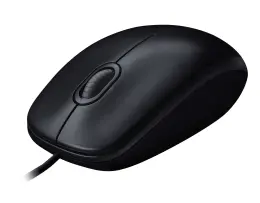
Wired Keyboards and Mice
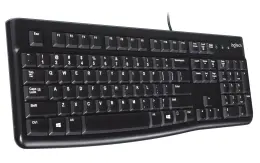
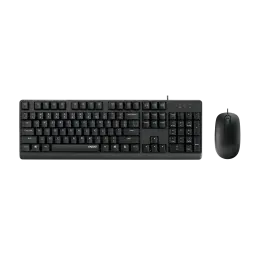
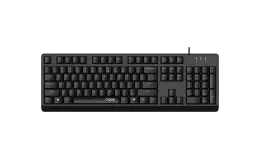
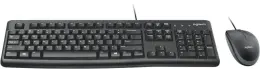
Wired keyboards and mice offer a stable, direct connection without batteries, charging or pairing. They are well suited to permanent desks, reception areas, computer labs and shared workstations where dependable everyday performance matters. Choose a separate computer keyboard or mouse when only one device needs replacing, or a keyboard and mouse combo when setting up a complete workspace. Before ordering, check the cable length and connector type, especially if your computer sits under the desk or has limited USB ports.
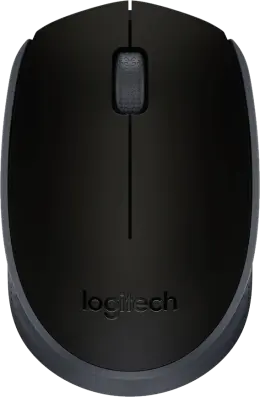
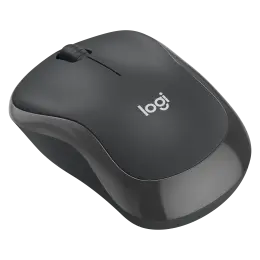
Wireless Mice
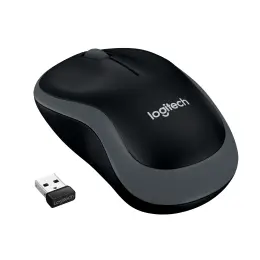
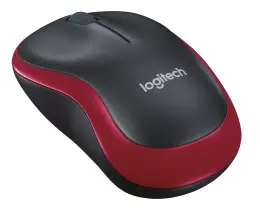
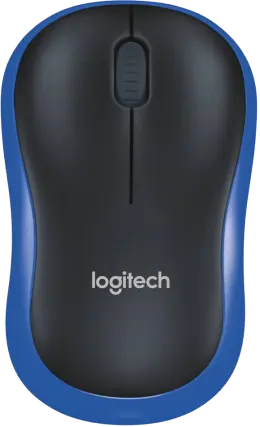
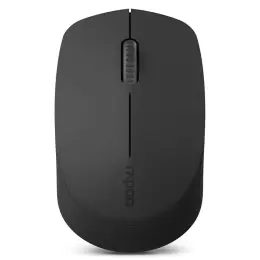
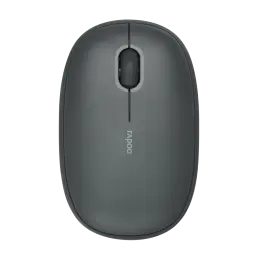
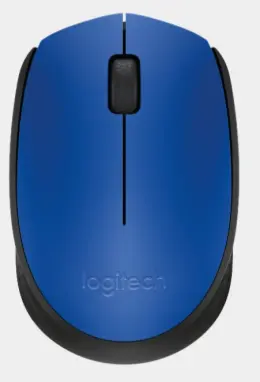
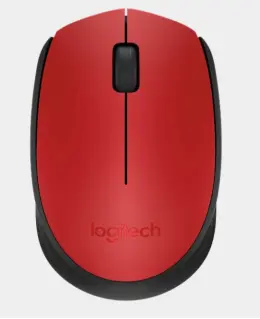
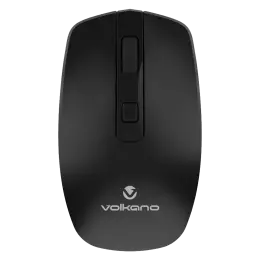
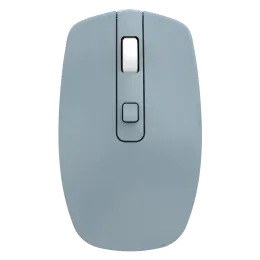
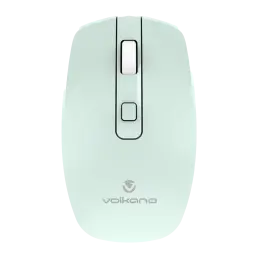
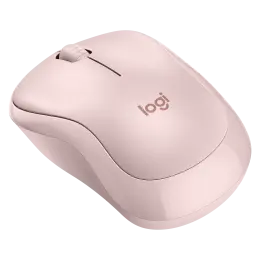
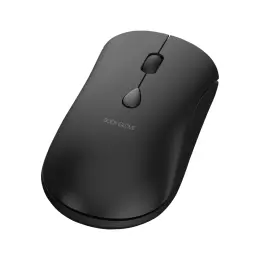
A wireless mouse reduces cable clutter and gives you more freedom to work from different positions or move between a desk, meeting room and study area. USB-receiver models are often simple to connect, while Bluetooth options can help preserve valuable USB ports on compatible devices. Consider the mouse’s size, shape, button placement and noise level, particularly if it will be used for long hours or in a shared space. Remember to check the required batteries or charging method before buying.
Wireless Keyboard and Mouse Combos
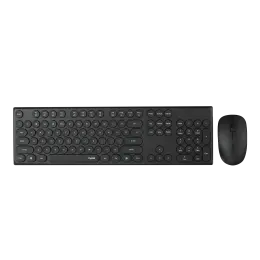
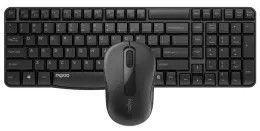
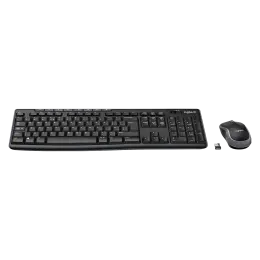
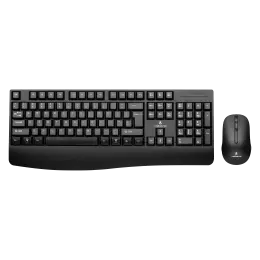
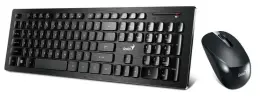
A wireless keyboard and mouse combo gives you two coordinated devices while keeping your workspace clear of extra cables. It can be a practical choice for home offices, classrooms, shared desks and computers connected to larger screens. Some sets use one USB receiver for both devices, which may help when ports are limited. Compare the keyboard layout, overall dimensions, mouse shape, wireless connection and battery requirements to find a set that suits both your equipment and daily routine.
Numeric Keypads
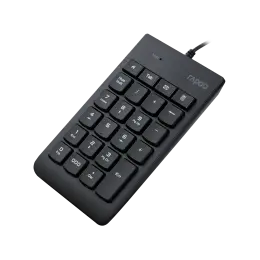
A separate numeric keypad adds a dedicated number block without requiring a full-size computer or laptop keyboard. It is especially useful for spreadsheets, invoicing, bookkeeping, stock management and frequent data entry. A keypad can also be positioned where it feels most comfortable and stored away when it is not needed, making it a flexible option for compact desks. Check whether the keypad is wired or wireless and confirm that its number and function keys match the tasks you perform most often.
How to Choose the Right Keyboard and Mouse
Check Your Available Connections
Count the ports left after connecting your monitor and other accessories. Look at the connector type on a wired device or wireless receiver, and check operating-system support before ordering. For Bluetooth equipment, confirm that your computer supports the required connection rather than assuming every wireless product will pair in the same way.
Make Room for Your Mouse
Measure the space available beside the keyboard, including where you keep paperwork. A full number pad adds width, which may leave less room for mouse movement on a narrow desk. Compare the actual dimensions so you can type and reach the mouse without pushing your notes out of the way.
Check the Key Layout
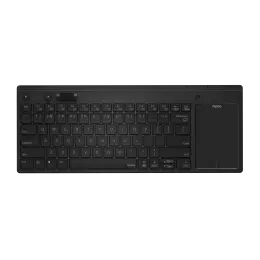
Inspect the product image for the Enter key, arrow keys and shortcuts you use most. A familiar layout matters when you move between your laptop and desk. If several people share the workstation, consider their typing tasks before selecting a compact design that moves or combines frequently used keys.
Try the Feel Where Possible
Look at the mouse shape and keyboard profile, then try them in store if a display is available. Small differences in key travel or mouse size can affect your preference during a long writing session. A silent model may suit a shared study area, but the product description cannot tell you how it will feel in your hand.
Plan for Power and Storage
For a wireless keyboard or mouse, check the required batteries or charging method and what comes in the box. Keep any receiver in its storage slot when travelling, if the model provides one. When buying for several desks, record the model numbers so replacement batteries and accessories are easier to order.
Frequently Asked Questions
Can I use an external keyboard with my laptop?
Yes, provided the keyboard's connection and operating-system requirements match your laptop. An external laptop keyboard setup can be useful when the computer sits on a stand and you want the keys closer to you. These are separate desktop accessories, so check specialist repair options if you need to replace the laptop's built-in keyboard itself.
Should I buy a combo or separate items?
Buy a combo when both items need replacing and you like the included keyboard and mouse equally. Separate purchases make more sense when you already have a mouse you enjoy using or need a particular keyboard layout. Compare the full set price against the individual products, and check what each package includes before adding it to your order.
Does a wireless mouse need a USB port?
A receiver-based wireless mouse needs a compatible port for its receiver. A Bluetooth model connects through the computer's Bluetooth capability, subject to the device requirements. Check the named connection in the listing before buying for a laptop with few ports. The word wireless alone does not tell you which method the mouse uses or which accessories you may need.
What should I check before buying a gaming keyboard?
For a gaming keyboard, check the specifications for the features your games require, such as key rollover or programmable controls. Do not assume that an everyday office keyboard includes them. Compare the exact model description with your needs, including how the keyboard will work for study or typing between games, before deciding which product to buy.
How do I order keyboards for several workstations?
Start with the number of desks and the computers used at each one. Record connection types and any layout preferences, then test one suitable model before placing a larger order if practical. Confirm the quantity available for your area and the delivery options shown. Keeping a record of the selected model helps when you later add desks or replace a damaged item.
Browse keyboards and mice alongside laptops and desk essentials to finish your workspace order. Check delivery or Click & Collect for your area, including @speed same-day delivery where available. Keep everyday work moving with Waltons.