Shop by Category
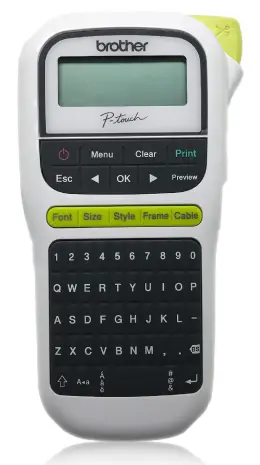
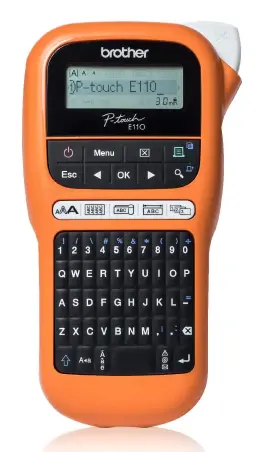
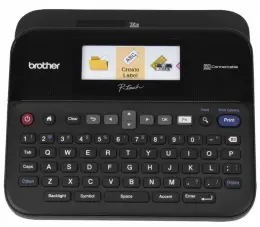
Handheld Label Printers
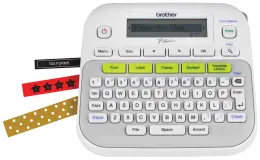
A handheld label printer is easy to carry between filing cabinets, storage rooms, classrooms and equipment areas. It suits quick jobs such as naming folders, identifying cables or marking shelves where the items are located. Before choosing one, check the supported tape widths, power requirements and keyboard layout. A small label printer should also feel comfortable to hold and provide enough space for the text you need.
Desktop Labelling Machines
A desktop label machine is a practical choice for a fixed workspace where several labels are prepared at once. It can suit office filing, stock organisation, name labels and regular dispatch tasks. Check how labels are created, as some machines have a built-in keyboard while others connect to a computer or mobile device. Also confirm the supported software, connection type and maximum label width.
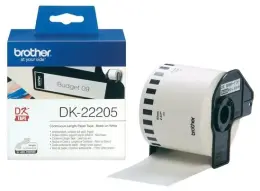
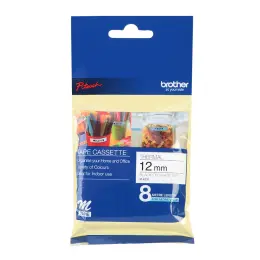
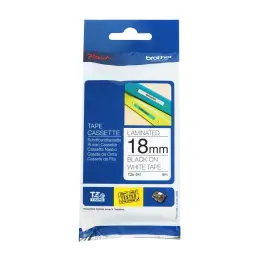
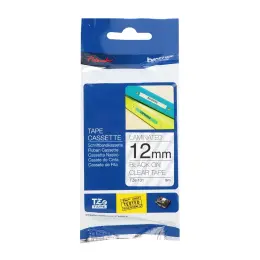
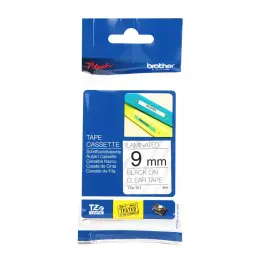
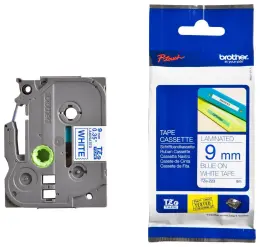
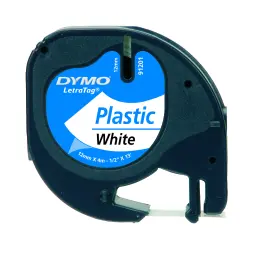
Replacement Tapes and Label Rolls
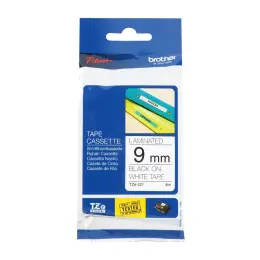
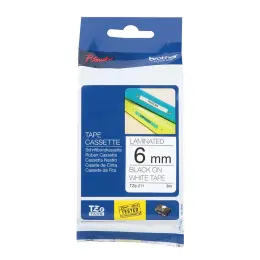
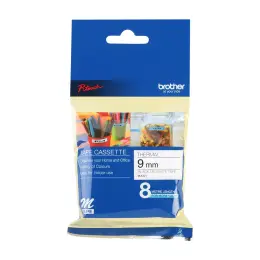
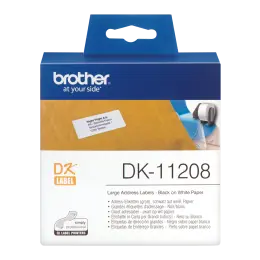
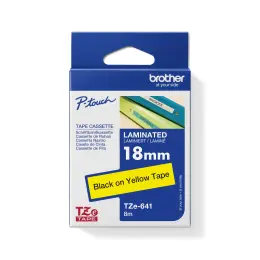
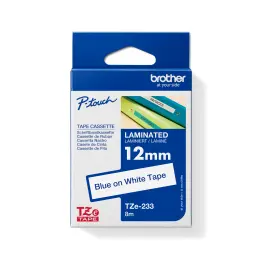
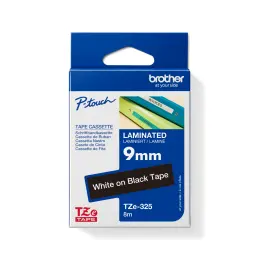
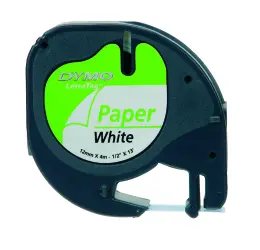
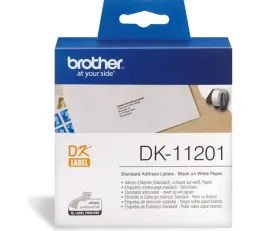
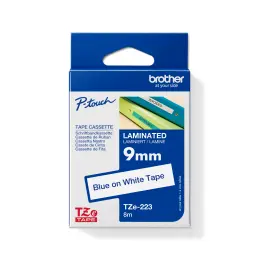
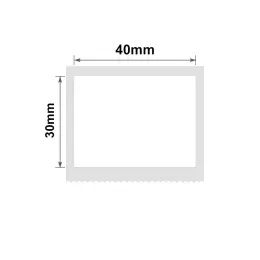
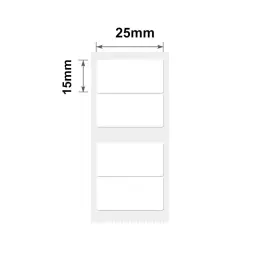
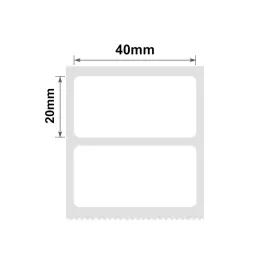
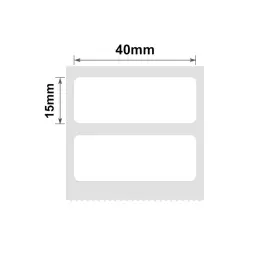
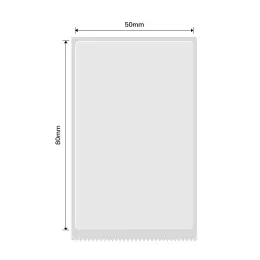
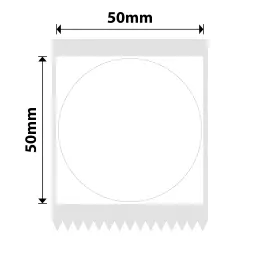
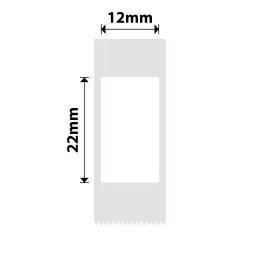
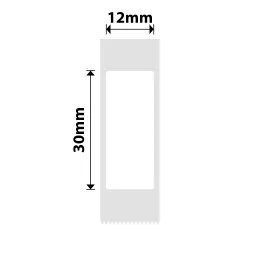
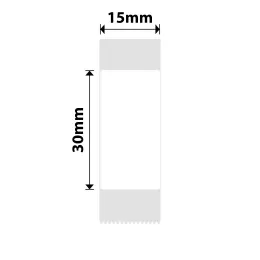
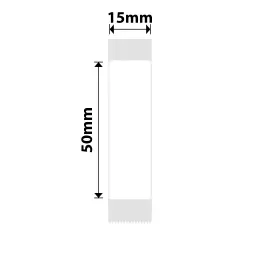
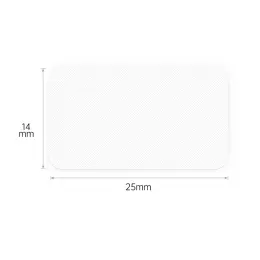
Replacement tapes and rolls come in different widths, colours and materials for specific label printer families. Check the code on the current cassette or roll before ordering, as products from the same brand may not fit every machine. Narrow tape works well for short names and small items, while wider labels provide more room for instructions, barcodes or multiple lines of text.
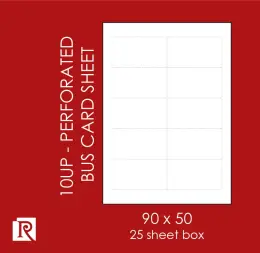
Self-Adhesive Label Sheets
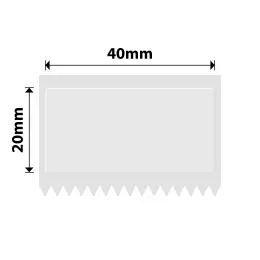
Self-adhesive label sheets let you print a full batch using a compatible office printer instead of a dedicated label maker machine. They are useful for addresses, product information, filing and event labels. Check that the sheets suit an inkjet or laser printer, then match the label dimensions and page layout to the correct software template. Print a test page on plain paper first to check the alignment before using the label sheet.
How to Choose the Right Label Printer
Measure the Label Space
Measure the usable area on the folder spine, drawer front or item you want to mark. A small label printer may suit short names, but longer instructions need enough printable space to remain readable. Check the machine's supported label widths and allow for its print margins before deciding on the format.
Match the Supply to the Machine
Record the exact machine model and check the supported tape or roll codes. Similar-looking cassettes may belong to different product families, and matching the brand is not enough. Buy the replacement supply with the printer when you know the required size, especially if the included starter tape will not cover your first project.
Check the Surface and Conditions
Consider where the label will sit and how often someone will handle or clean it. Match the tape's stated properties to that use, rather than assuming every printed label tolerates moisture, heat or outdoor exposure. For equipment identification, check any workplace requirements before selecting the material.
Choose How You Want to Create Labels
Decide if you want to type on the machine or create labels through supported software. Check the exact model's connection and software requirements before buying a label printer machine for a shared workstation. If you frequently repeat the same text, look for the relevant memory or template functions in its specifications.
Budget for the Refill Supply
Compare the machine price with the compatible tapes or rolls you expect to use. Look at roll length or label count as well as the pack price, since different formats do not provide the same number of finished labels. Include any required power supply or accessories that the product listing says are sold separately.
Frequently Asked Questions
Which label maker should I buy for home organisation?
Start with the items you want to label and the space available for the text. A handheld option can suit short names on files or storage containers, while a desktop setup may suit repeated batches. Check the supported label material and supply cost before buying. The best match is the machine that can produce the labels you actually need.
Can I use any tape in a Brother label printer?
No, check the tape family and width supported by your exact Brother model. The range includes different tape and roll formats, and a shared brand name does not make them interchangeable. Keep the machine model or a photograph of the current cassette handy when shopping. Confirm compatibility before opening a replacement, particularly when ordering for more than one machine.
Can a label printer also work as a tag printer?
A label printer may produce a self-adhesive label that you attach to a tag, but that does not establish that it can print directly onto card tags. If you need a tag printer for a particular material, check the supported media and feed method. Decide on the finished tag first, then match the printing equipment to it.
Do I need a separate machine for address labels?
Not always. Self-adhesive label sheets can suit a compatible office printer if you use the correct template and media settings. A dedicated label printing machine may be more convenient for repeated individual labels, provided it supports the required size. Compare your usual batch size and printing process before buying another machine for a task your existing printer can handle.
What should I buy with a new label printer?
Check the box contents for starter tape, batteries, an adaptor and any connection accessories before adding extras. Then order a compatible refill in the size and material needed for your first task. If the printer will move between rooms, consider how you will carry and power it. Confirm local availability and delivery or collection options for the complete order.
Browse label printers and tapes alongside filing supplies, storage products and desk essentials to organise your workspace in one order. Check delivery and Click & Collect options for your area, with @speed where available. Keep everyday items easy to find with Waltons.