Shop by Category
Iron-On and Heat Transfer Vinyl
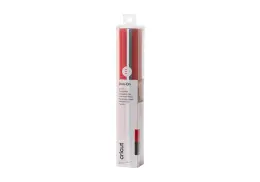
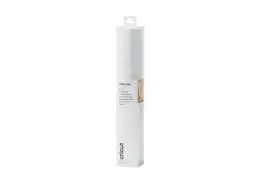
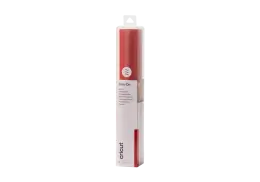
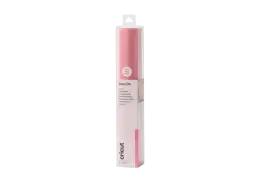
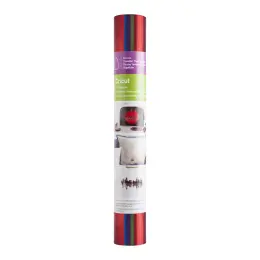
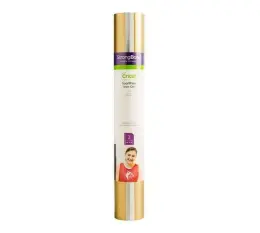
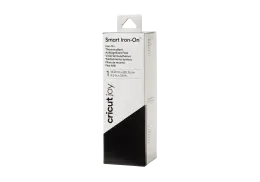
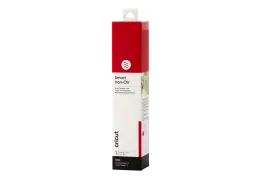
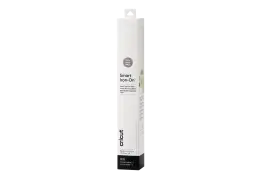
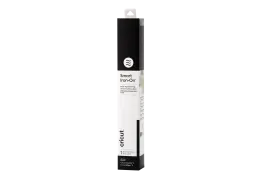
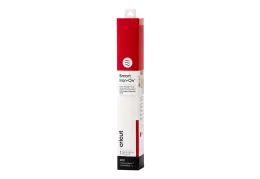
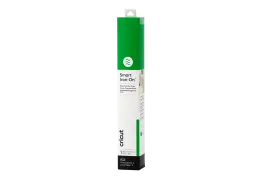
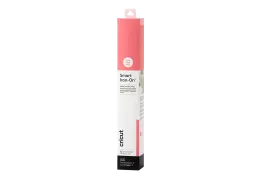
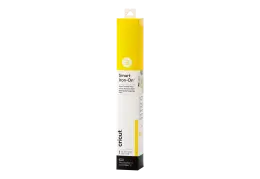
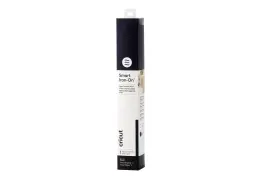
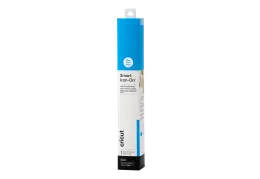
Iron on vinyl is designed for fabric projects such as T-shirts, tote bags and school sports kits. The range includes Cricut Everyday Iron-On for standard fabrics, SportFlex for stretch fabrics, and finishes such as Foil and Glow in the Dark. Smart Iron-On is also available for Cricut Joy.
Permanent and Removable Vinyl
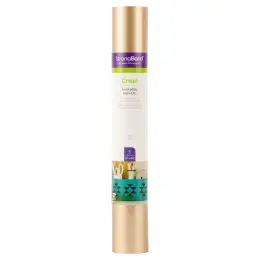
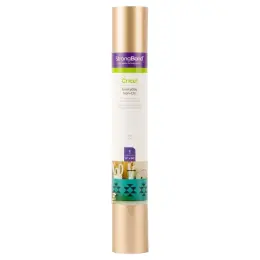
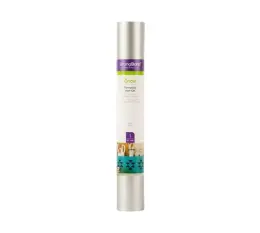
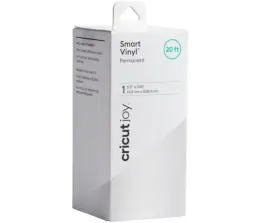
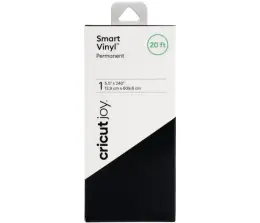
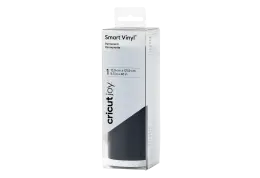
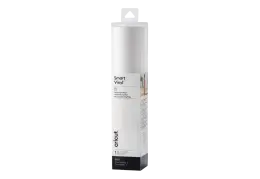
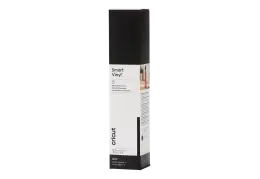
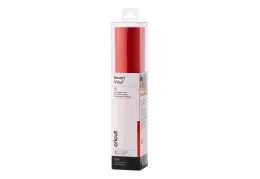
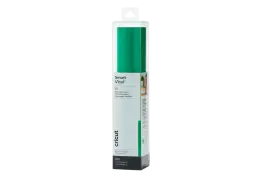
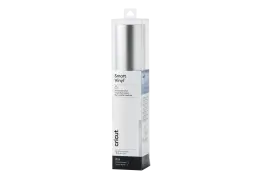
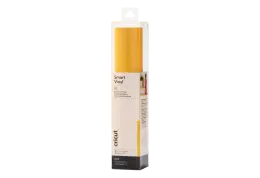
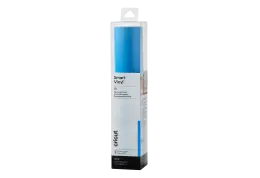
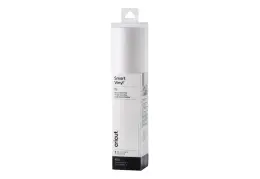
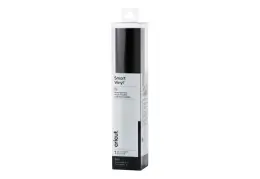
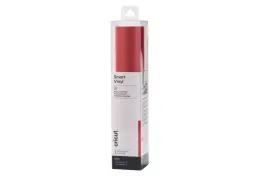
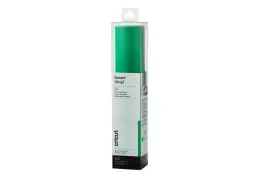
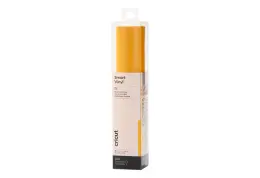
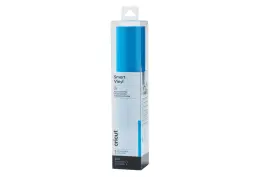
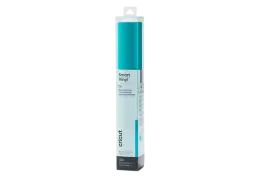
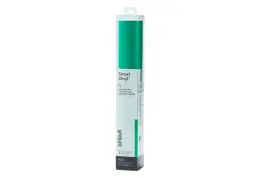
Permanent Cricut vinyl works well for mugs, water bottles, signs and other smooth surfaces where you want the design to stay in place. Removable vinyl suits temporary projects such as wall décor, window designs and notebook covers. Cricut Smart Vinyl, Premium Vinyl and Holographic Vinyl are available in different colours, finishes and sizes.
Transfer Tape and Sticker Cardstock
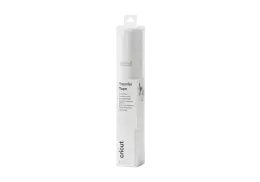
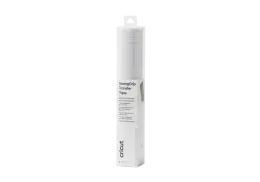
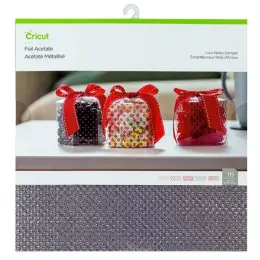
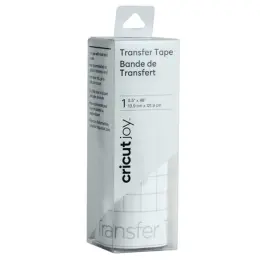
Vinyl and transfer tape work together when applying adhesive vinyl. Transfer tape keeps letters and shapes in position as the cut design moves from its backing to the final surface. Waltons also carries Smart Sticker Cardstock and Transfer Foil Sheets for planner stickers, cards and decorative details.
Machine Mats
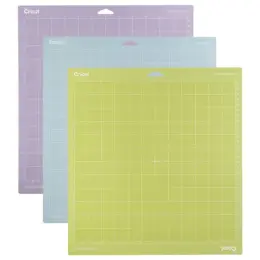
Cricut mats come in LightGrip, StandardGrip, StrongGrip and FabricGrip options for different materials and project types. Sizes are available for Explore, Maker and Cricut Joy machines.
Cricut Machines and Heat Presses
Waltons carries Cricut machines for different project sizes, including Cricut Joy, Explore 3 and Maker 3. For iron-on projects, the range also includes the EasyPress Mini and EasyPress 3, while the Mugpress is designed for personalised mugs.
Pens, Markers and Cricut Accessories
Cricut accessories include Fine Point pens, Watercolor Markers, Glitter Gel pens, scoring tools and the 33 cm Basic Trimmer. These tools add lettering, decorative details, fold lines and finishing options to compatible Cricut projects.
How to Choose the Right Cricut Vinyl
Choosing Cricut vinyl comes down to three main factors: the surface you are decorating, the Cricut machine you use and how long you want the design to last. These will help you narrow down the right material, size and Cricut accessories for the project.
Match the Vinyl to the Surface
For T-shirts, tote bags and other fabrics, iron on vinyl is the better fit. Smooth, hard surfaces such as mugs, glass and plastic work with permanent or removable adhesive vinyl. Matching the material to the surface helps the design stay in place and reduces the risk of peeling.
Make Sure It Fits Your Cricut Machine
Material widths vary between machines. Cricut Joy uses narrower materials than Explore and Maker models, while some Smart Vinyl can be cut without a mat on compatible Cricut machines. Compare the sheet width and mat requirements with your machine before buying.
Decide How Permanent the Design Should Be
Removable vinyl works well for temporary décor or designs you may want to change later. Permanent vinyl is better suited to items that will be handled or used regularly. For iron-on projects, follow the care instructions and recommended wait time before washing.
Select the Right Application Tools
Adhesive vinyl and transfer tape work together to move a cut design onto a clean, flat surface, while a scraper helps press it into place. Iron on vinyl requires heat and pressure, which can be applied with an EasyPress or heat press. Make sure you also have the mats, trimmer and other Cricut accessories needed for your project.
Consider a Sampler
A sampler lets you try several colours or finishes without buying a full sheet of each. It can be useful for testing different looks and cutting settings before deciding which materials you want to buy in larger quantities.
Frequently Asked Questions
What is the difference between iron-on vinyl and permanent vinyl?
The main difference is how they are applied and what they stick to. Iron on vinyl uses heat to bond to fabric, making it suitable for T-shirts, tote bags and other fabric projects. Permanent Cricut vinyl has an adhesive backing and is designed for smooth, hard surfaces such as mugs, bottles and signs.
Do you need transfer tape for Cricut vinyl?
You need transfer tape for most adhesive Cricut vinyl because it keeps the cut design together as you move it from the backing onto the final surface. This is especially useful for designs with separate letters or small details. Iron on vinyl does not need transfer tape because it comes with its own carrier sheet.
What Cricut mat is best for vinyl?
StandardGrip is a common choice for Cricut vinyl because it holds the material in place while the machine cuts. Some Smart Vinyl can be cut without a mat on compatible Cricut machines. Always check the material and machine requirements before choosing a mat.
Can you use a household iron for iron on vinyl?
Yes, some iron on vinyl can be applied with a household iron, but you need to follow the recommended temperature, pressure and pressing time for the material. A heat press such as the Cricut EasyPress Mini or EasyPress 3 provides more consistent heat and pressure, which can be useful for larger or more detailed projects.
Does Cricut Smart Vinyl work with every Cricut machine?
Cricut Smart Vinyl is designed for compatible Cricut machines, including Cricut Joy models and compatible Explore and Maker models, where it can be cut without a mat. Other Cricut machines may require a mat or different material settings, so check the product specifications against your machine before buying.
Browse Cricut vinyls, tools and machines alongside craft machines, arts and crafts supplies and adhesives to finish the project in one order. Delivery is free over R500, @speed same-day delivery is available in selected areas and Click & Collect is offered from more than 60 stores. Start your next make with Waltons.